I'm not sure if you're talking about the panel on the left or the panel at the top, but here are a few things that you can try:
-
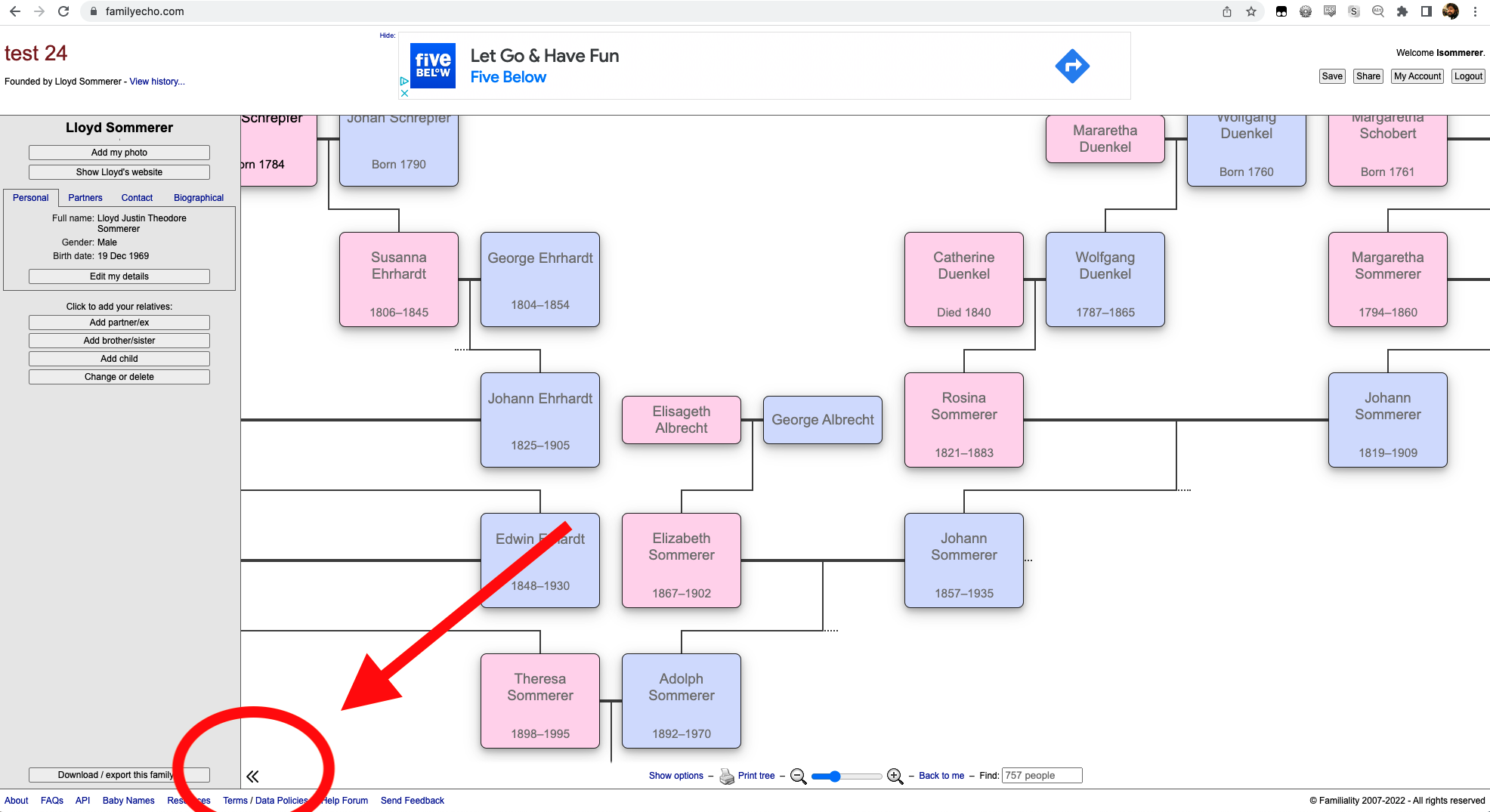
You can use the double left arrow icon (really less than icon?) to collapse the left panel entirely:
-
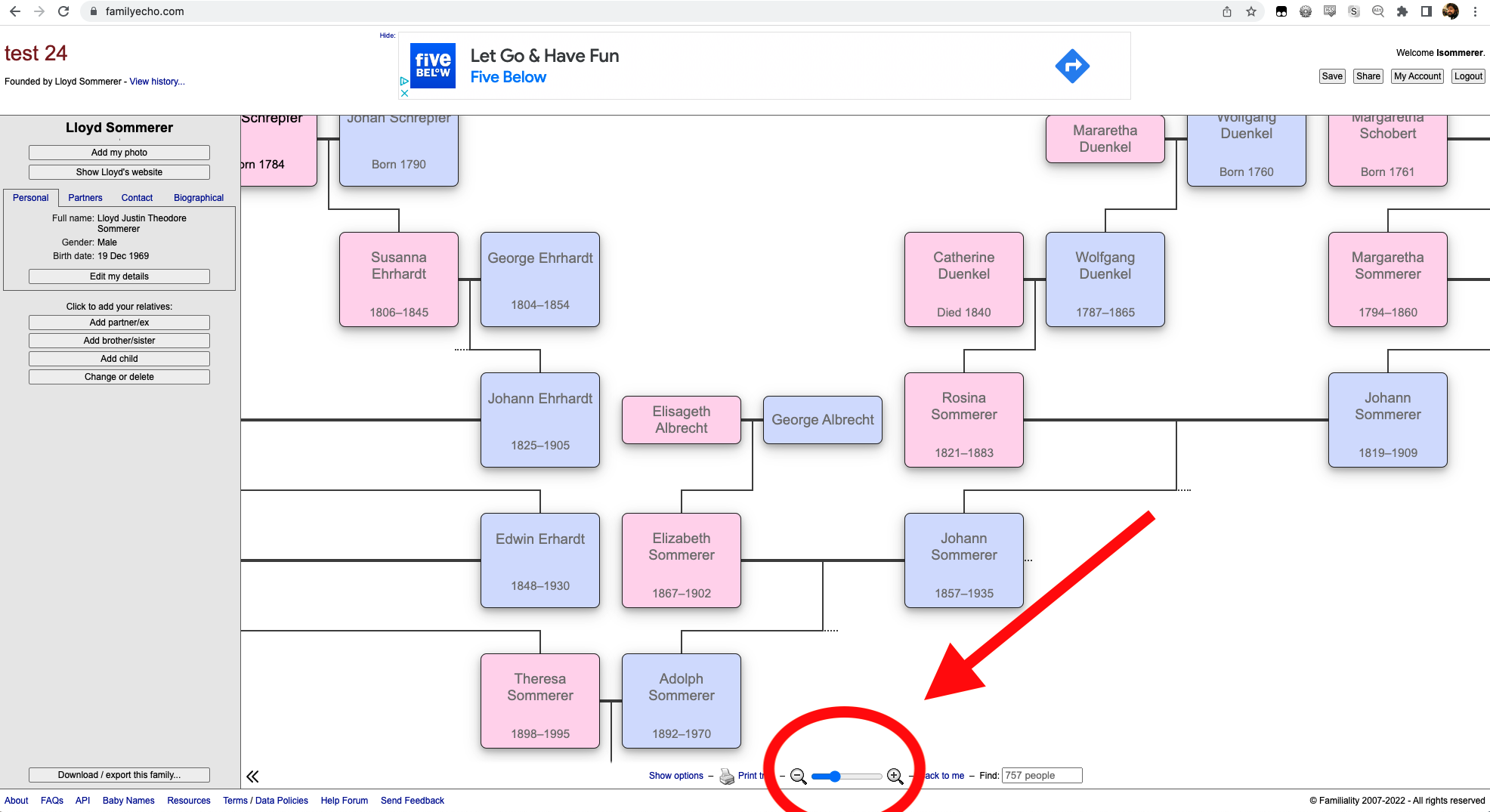
You can use the slider at the bottom center to make the family tree boxes smaller, so that you can see more of them:
-
Your browser might be set to enlarge the website. You can make everything smaller with command-minus and larger with command-plus (On a PC it is cntr-minus and cntr-plus). You can also reset the amount of reduction/enlargement back to normal with command-zero.
